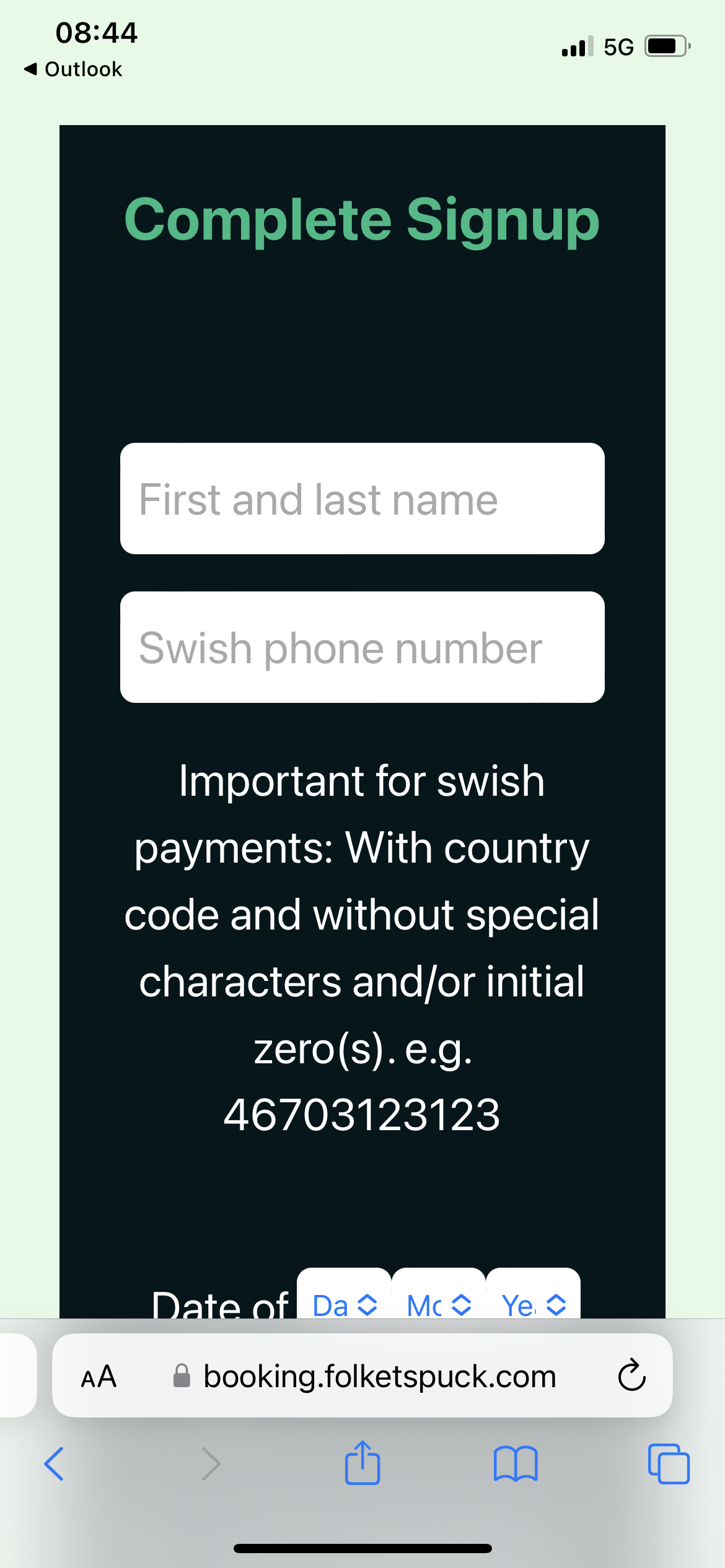
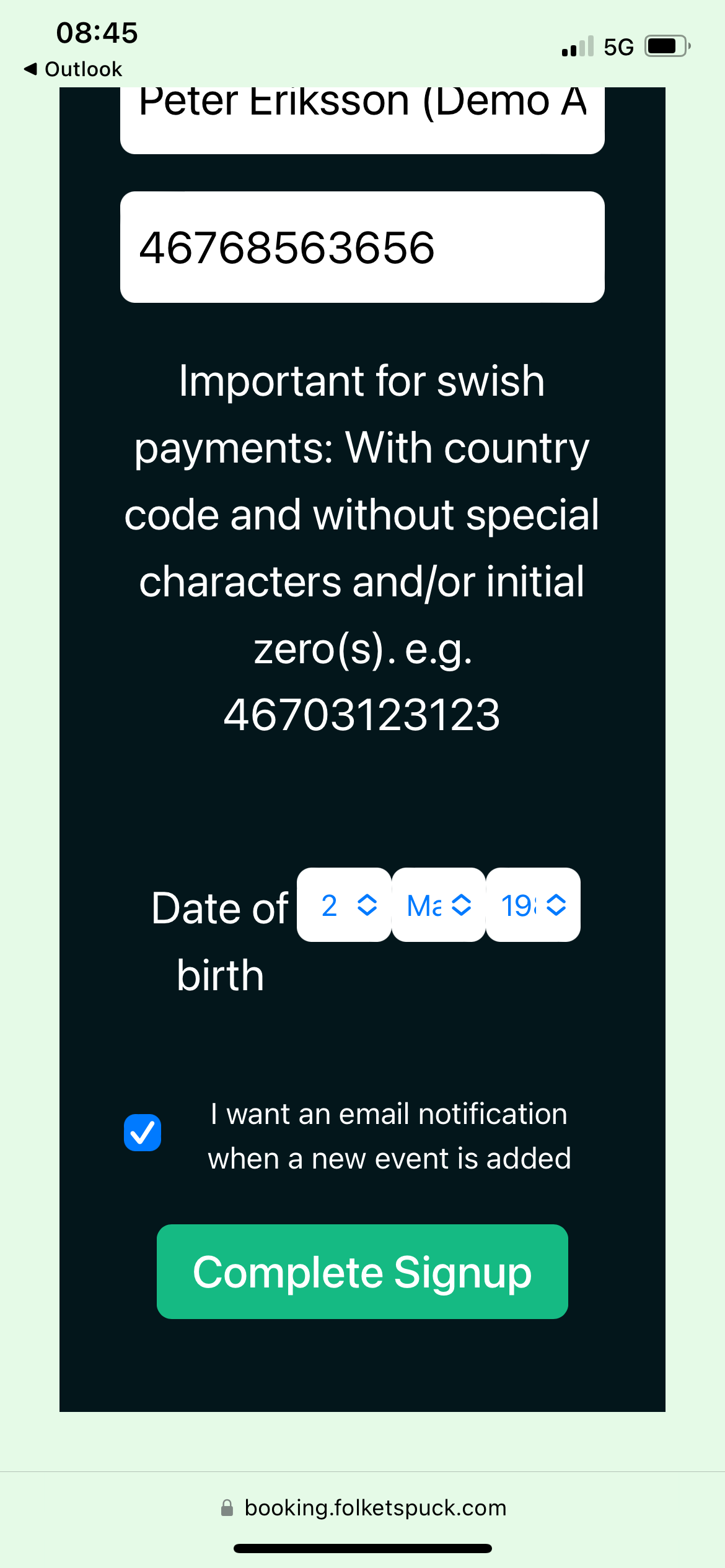
Decide if you want to receive emails when new events are added, or not.
Click complete sign up.
You can now log in.
3. Register for ice times.
Note: NON-premium members will get access to booking 72 hours prior to the event if there are any spots remaining.
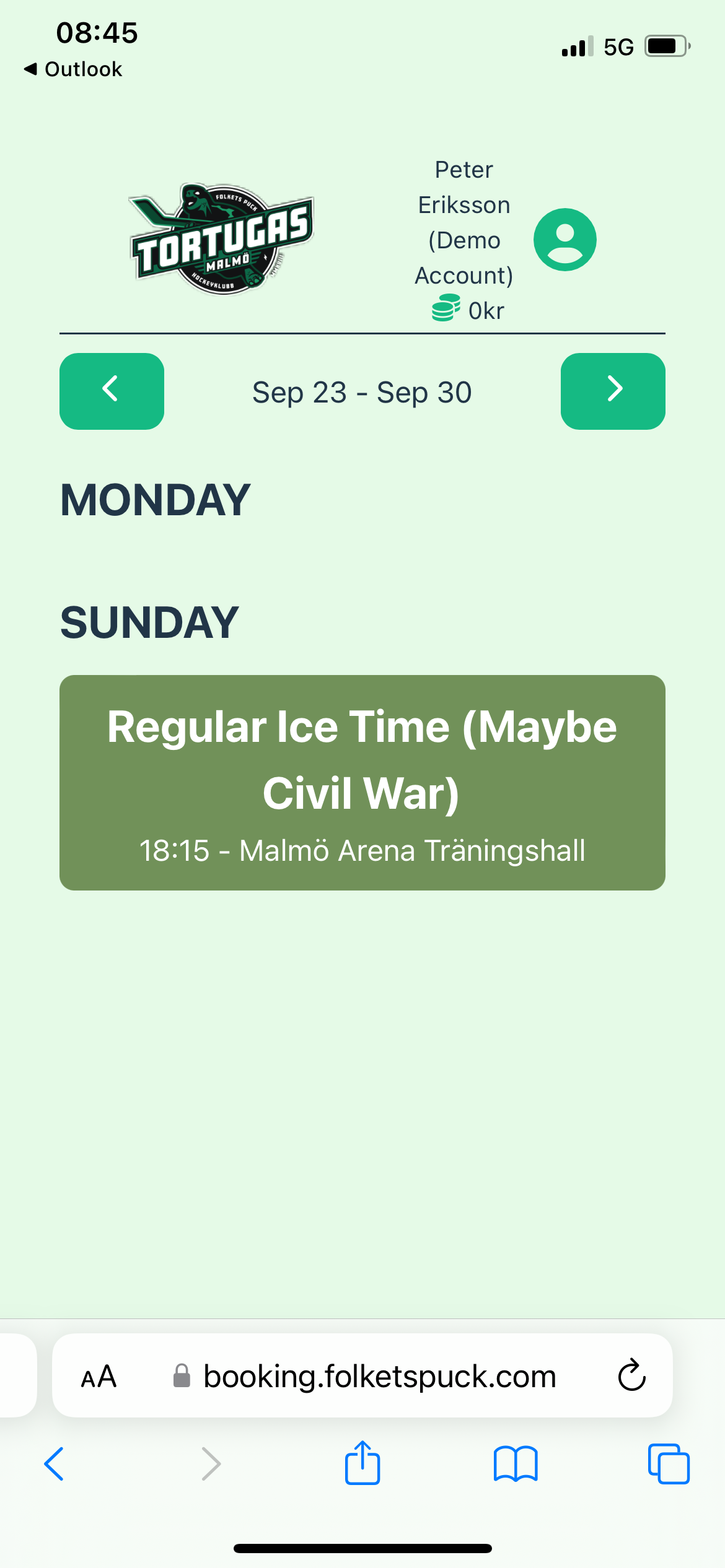
Pick the event from the calendar. You can scroll the weeks using the arrows.
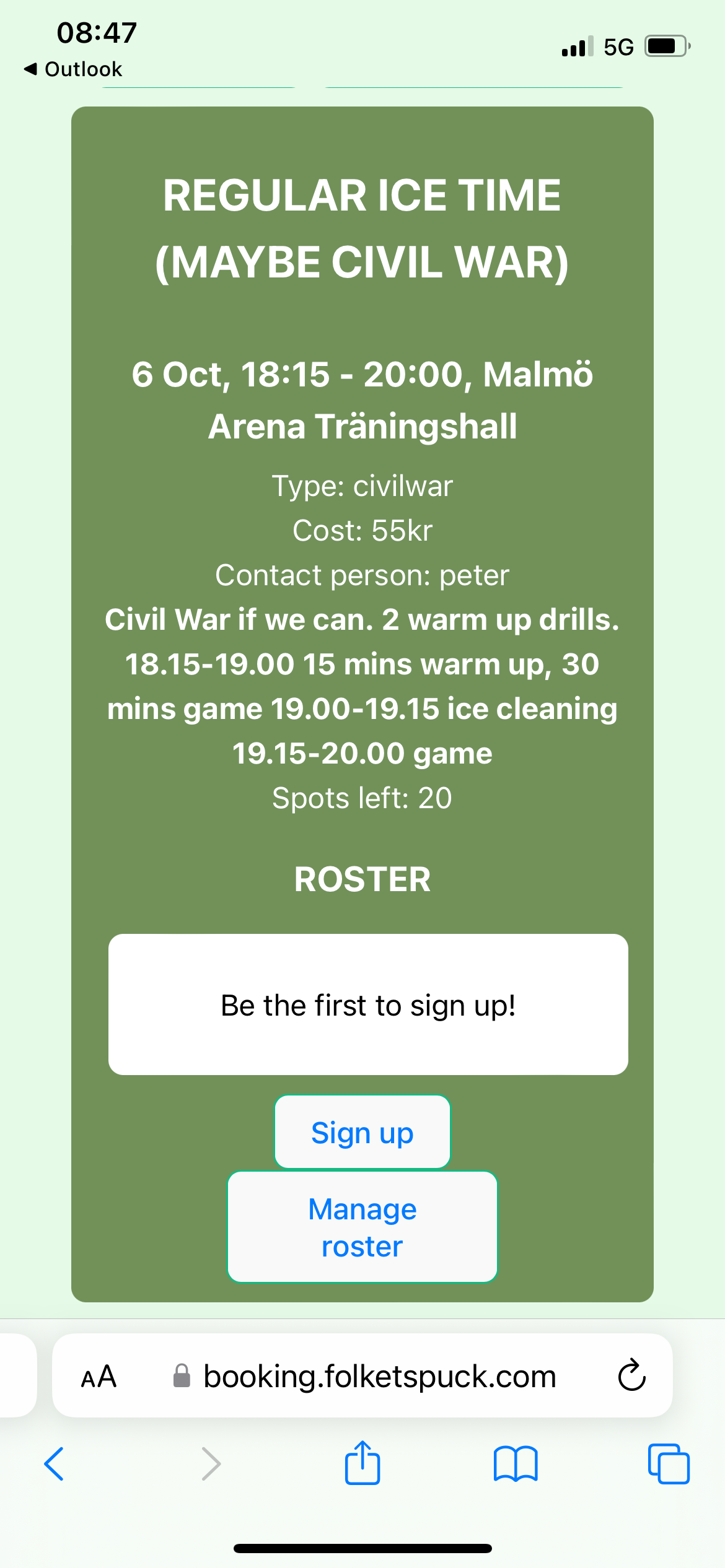
Click-sign up.
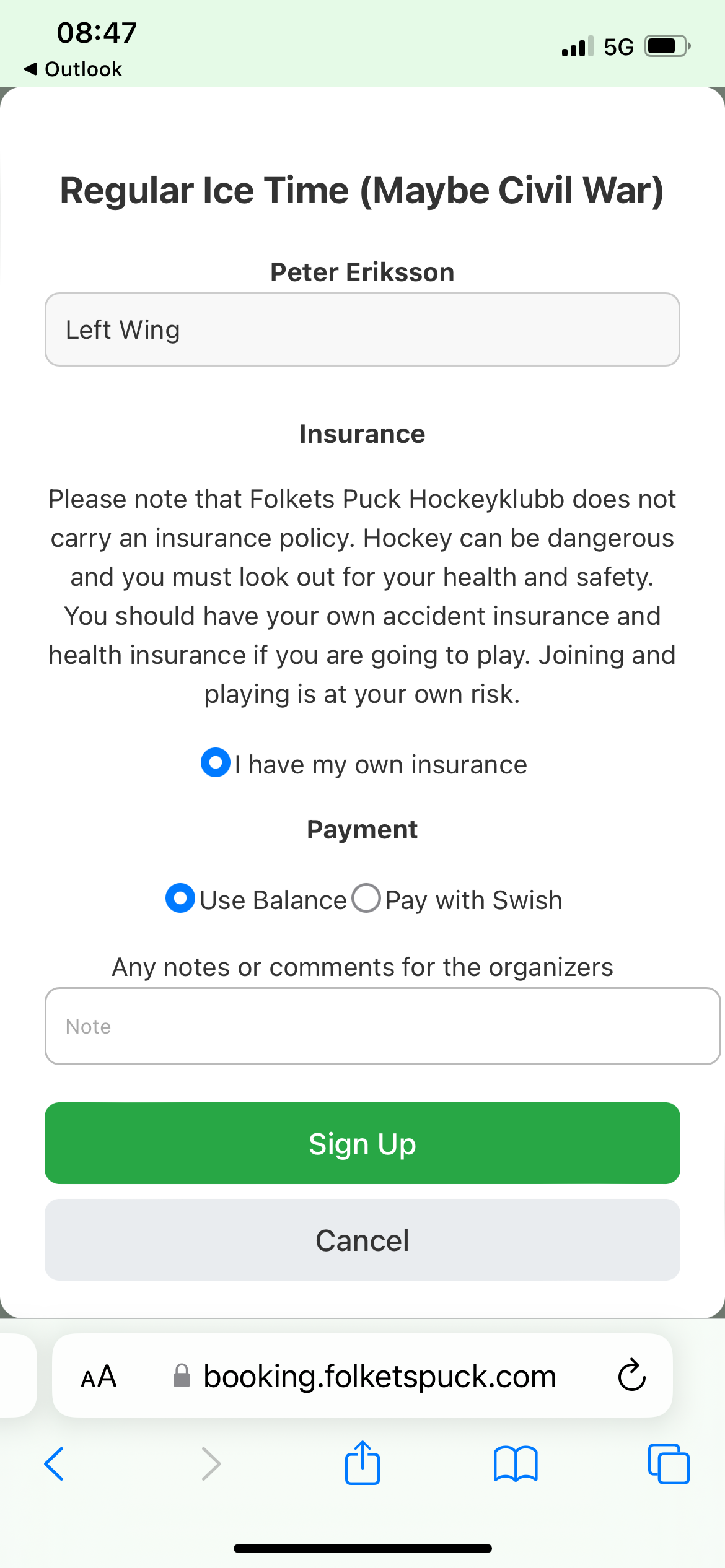
Select your position.
Confirm that you have your own insurance (the club does NOT have an insurance).
Select if you want to pay with your account balance or with Swish.
Click Sign up.
Paying by Swish:
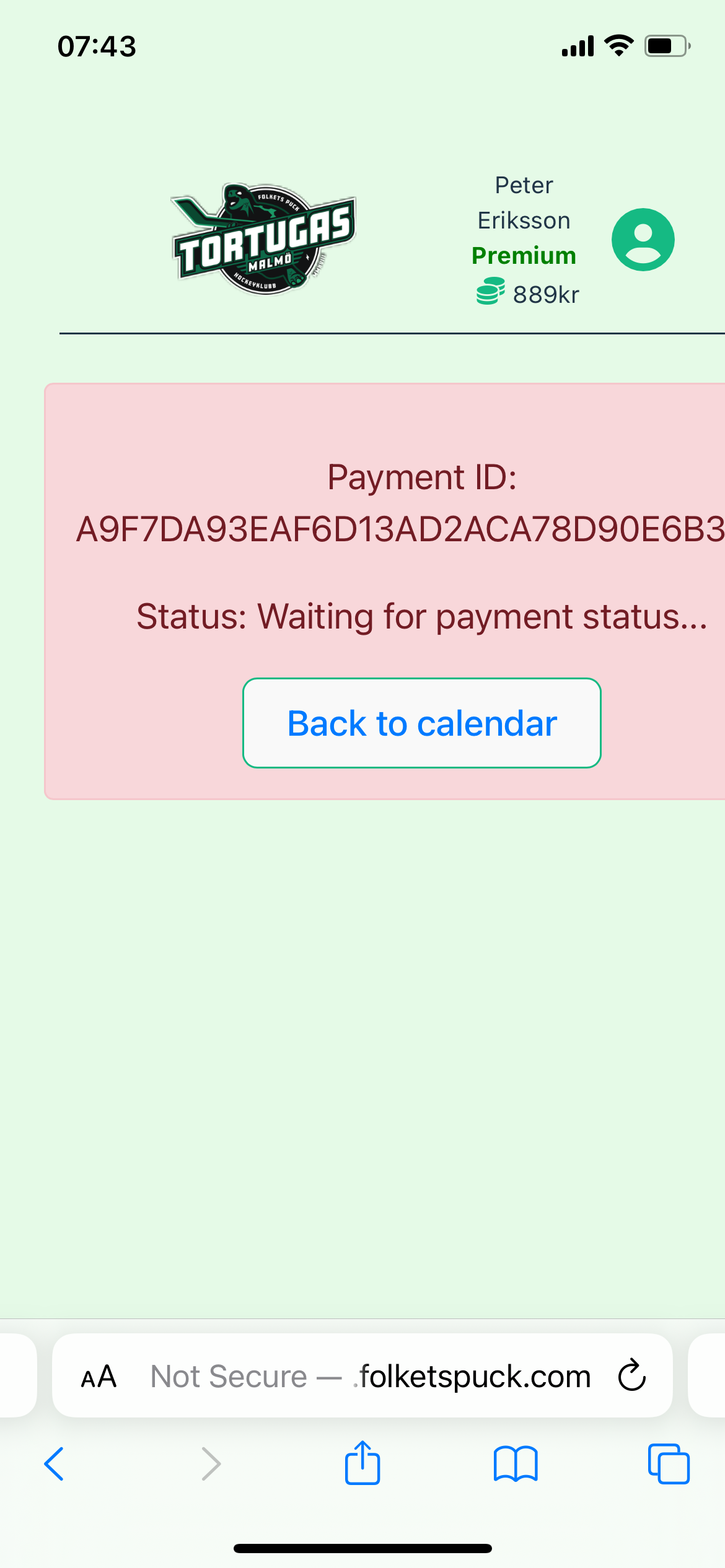
The red message will appear. You must now open your Swish App (as of now it will not open automatically).
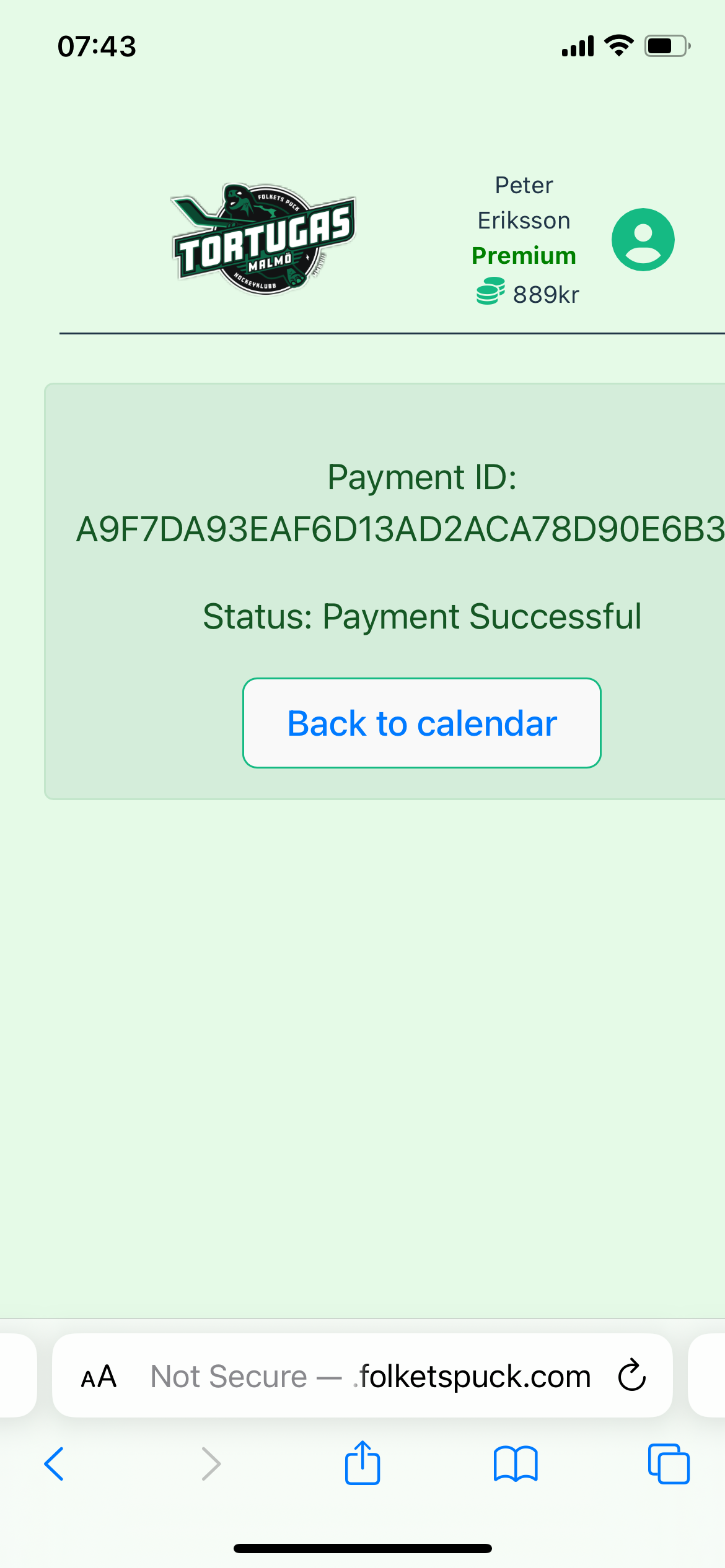
After completing the Swish payments return to the site and wait for the green payment successful message.
Do NOT refresh the page during this process!
Go back to calendar when done.
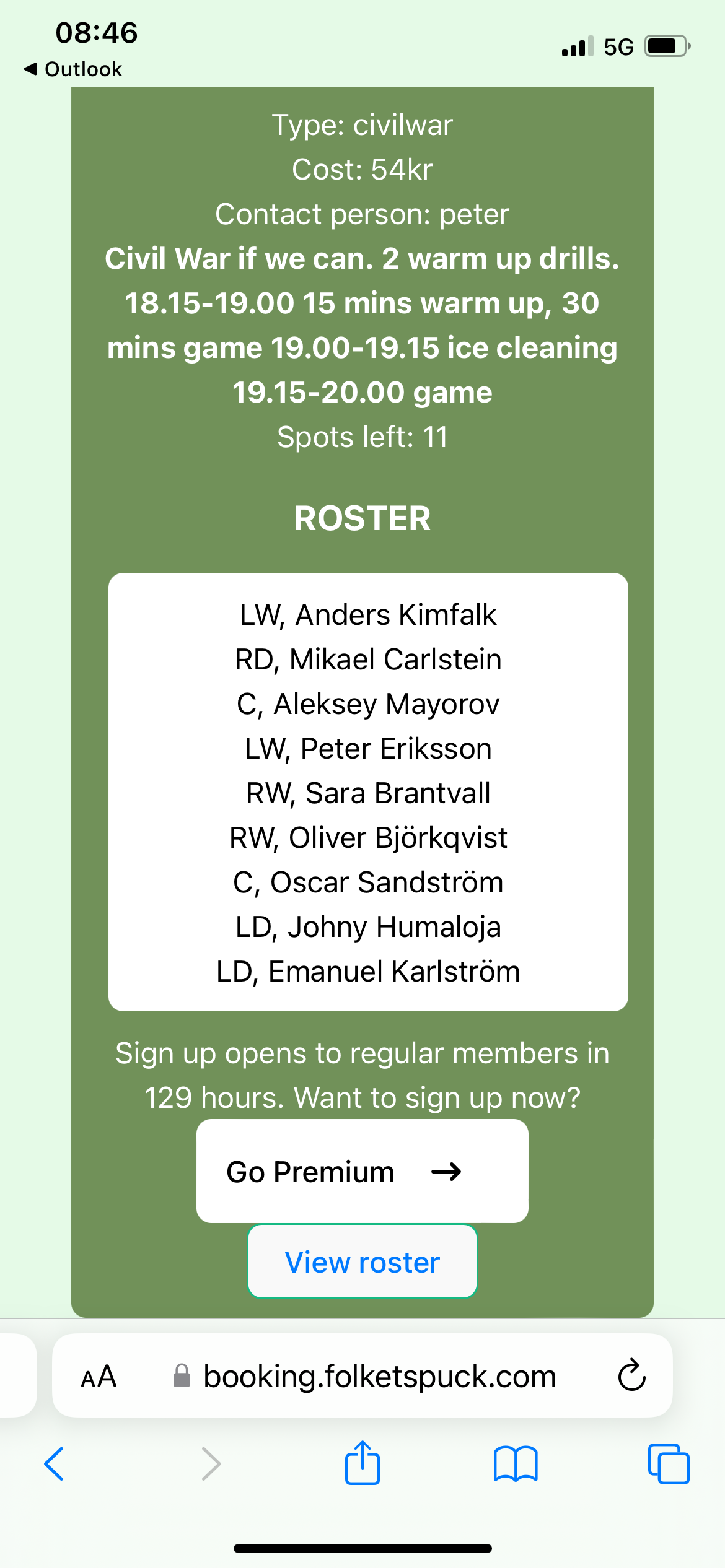
You can now “view roster” including the teams – if you are on the light or dark team (this might get changed up to shortly before the ice time, so it is always recommended to bring both light and dark jersey with you).